
Table of Contents
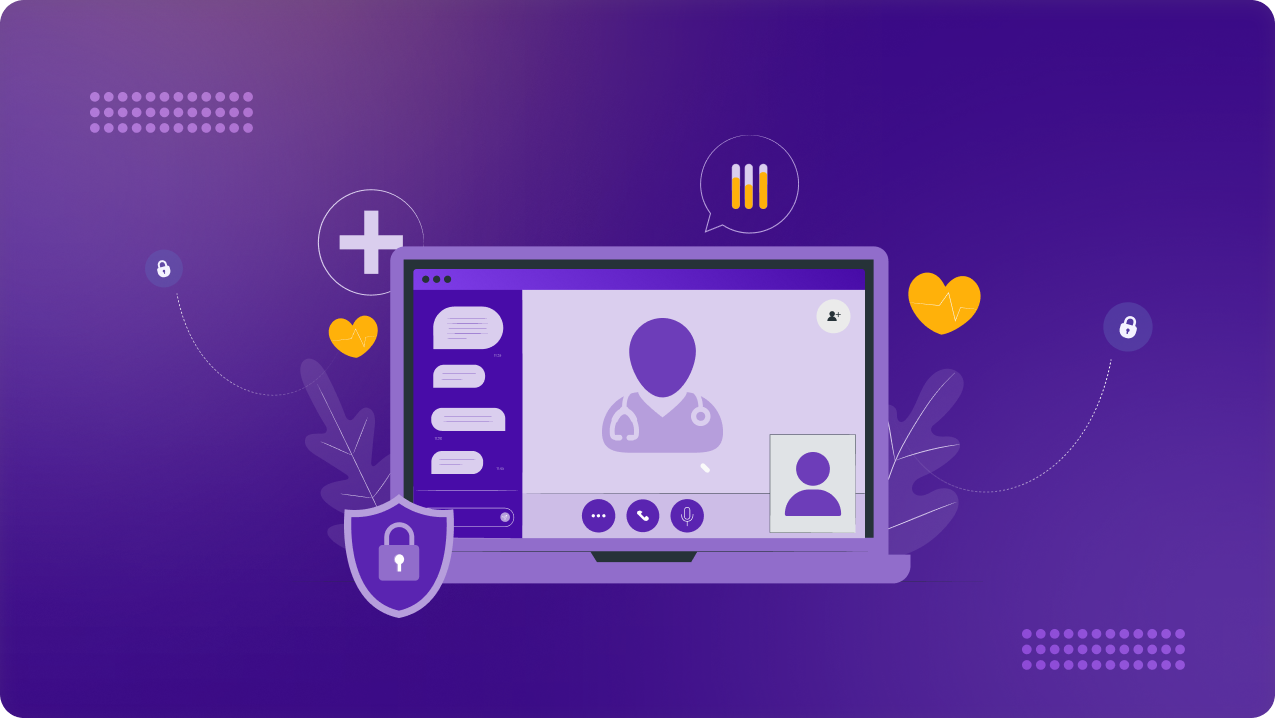
Healthcare work no longer takes place only inside hospitals, clinics, or controlled office networks. Billing teams, virtual assistants, remote administrators, vendors, and traveling staff may all need access to systems that contain electronic protected health information (ePHI) from different locations and networks.
As a result, managing HIPAA compliance becomes harder when access to ePHI is spread across remote teams and third-party vendors. In this guide, we’ll break down the risks distributed healthcare workforces create, what HIPAA requires for remote access, and how teams can secure connections to patient data.
What Is a Distributed Healthcare Workforce?
In simple terms, a distributed healthcare workforce is a group of people supporting healthcare operations from more than one location. It typically includes:
- Remote billing teams
- Virtual assistants
- Administrative staff
- Traveling clinicians
- IT support teams
- Third-party vendors
In many cases, these teams may not provide care directly, but they may still work with systems that contain ePHI like EHR platforms, billing software, or internal admin dashboards.
Why Distributed Healthcare Workforces Create HIPAA Risk
Here’s where distributed healthcare teams can create the most exposure:
Unmanaged Remote Access
Remote healthcare staff may need to connect to EHR platforms, billing systems, scheduling tools, or admin dashboards from home offices, shared workspaces, or while traveling. The risk is not remote work itself, but how that access is managed.
When teams use inconsistent access methods, it becomes harder to protect ePHI. Healthcare organizations need to know who is connecting, which systems they can access, and whether those connections are secured in a way that supports HIPAA requirements.
Dynamic IP Addresses
Distributed healthcare teams often connect from home networks, mobile hotspots, or different office locations. When those connections use dynamic IP addresses, IP allowlisting becomes harder to manage.
IT teams may have to update allowlists repeatedly or open access more broadly than they should. Access controls become harder to maintain, especially for sensitive systems that rely on approved connection points.
Third-Party Vendor Access
Healthcare organizations often work with outside vendors for billing, IT support, software management, claims processing, or administrative tasks. Certain vendors may need access to systems that contain ePHI, even if they are not part of the internal healthcare team.
Vendor access becomes risky when it is too broad, poorly monitored, or not removed when the work ends. Healthcare teams need clear controls around which vendors can access sensitive systems, what they are allowed to do, and when that access should be reviewed or revoked.
Limited Access Visibility
Distributed healthcare teams can make it harder to track activity across sensitive systems. When staff, contractors, or vendors connect from different locations, healthcare organizations need a clear way to see who accessed which systems and when.
Limited visibility creates problems during audits, investigations, or access reviews. If teams cannot confirm activity around systems containing ePHI, it becomes harder to identify unusual behavior, enforce internal policies, or prove that access controls are working as intended.
Slow Access Revocation
Distributed healthcare teams may include employees, contractors, or vendors whose roles can change quickly. When someone leaves a project, changes responsibilities, or no longer needs access to a system, their permissions should be updated without delay.
Slow access revocation creates unnecessary exposure because former staff, vendors, or contractors may still be able to reach systems that contain ePHI. Healthcare organizations need a clear offboarding process so access is removed as soon as it is no longer needed.
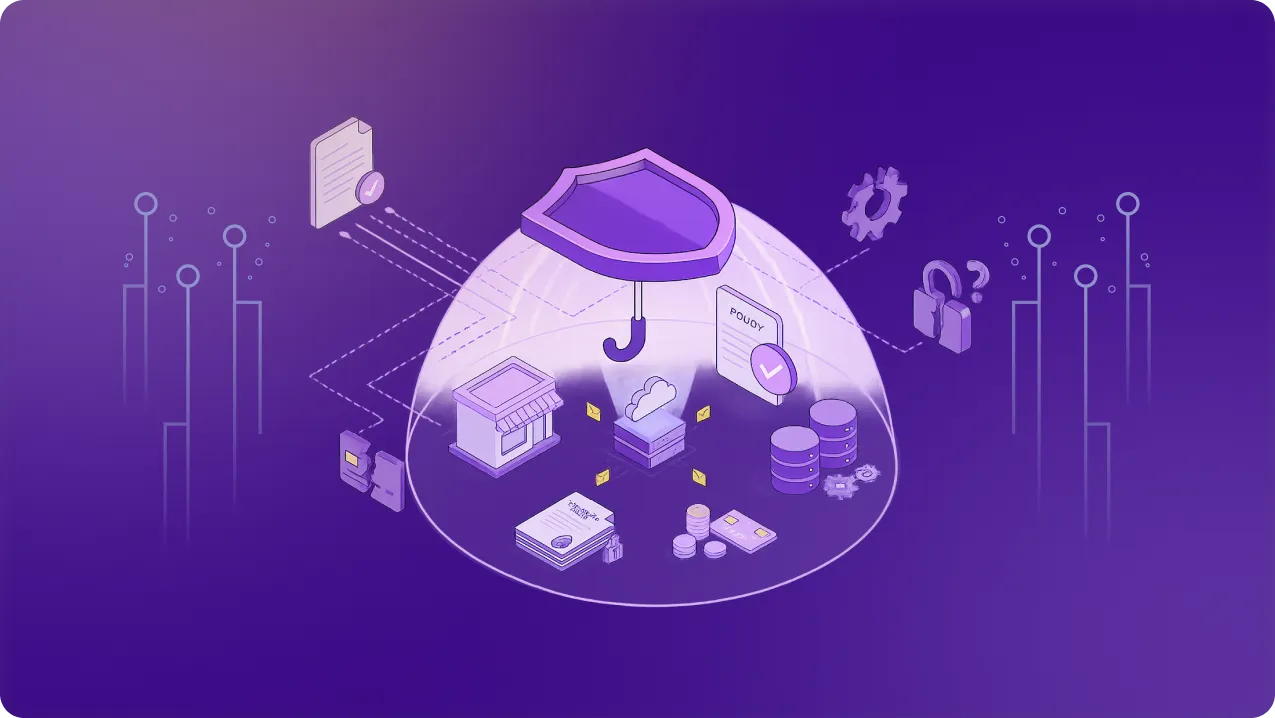
What HIPAA Requires for Remote Healthcare Access
For remote healthcare access, these HIPAA requirements matter most:
- Access control: Only authorized users should be able to access systems that contain ePHI. Access should be assigned based on role, need, and responsibility instead of being left open to every user.
- Audit controls: Healthcare organizations need a way to record and review activity in systems that contain ePHI. Remote teams need that visibility to confirm who accessed sensitive systems, when they accessed them, and whether activity looks unusual.
- User authentication: Healthcare teams need to verify that the person accessing a system is who they claim to be, especially when staff, contractors, or vendors connect from outside a controlled office network.
- Transmission security: ePHI should be protected when it is transmitted electronically. For remote access, that means connections should be secured so patient data is not exposed while moving across networks.
- Access authorization and modification: Access rights should be assigned, reviewed, and modified based on role and need. Regular updates help prevent unnecessary ePHI access when roles change or vendor work ends.
Managing HIPAA Compliance for Distributed Healthcare Teams
The following steps can help keep ePHI access secure across distributed healthcare teams:
Use secure remote access for systems containing ePHI
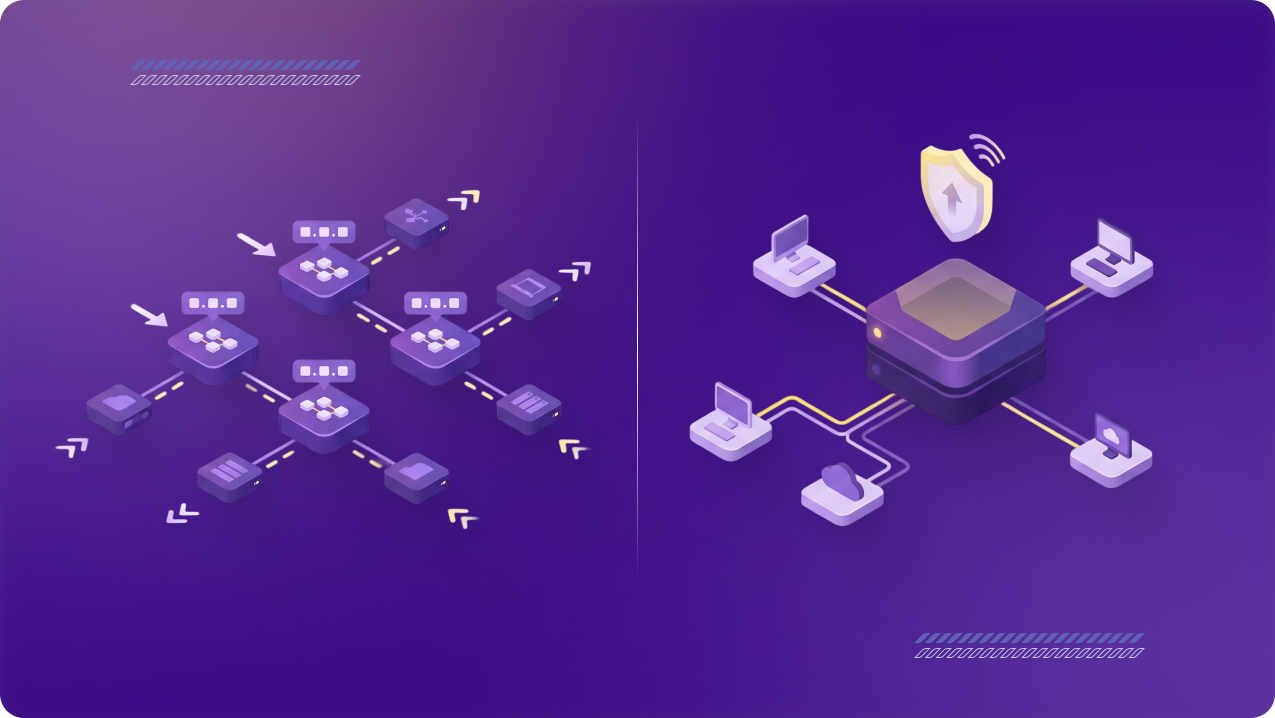
Remote healthcare staff should not access EHR platforms, billing systems, patient communication tools, or admin dashboards through unmanaged connections. A secure remote access method like a business VPN can help encrypt traffic and give distributed users a controlled entry point into approved systems.
Enforce MFA and SSO where possible
Passwords alone are not enough for systems that contain ePHI. Multi-factor authentication adds another verification step, while single sign-on can help centralize access across approved healthcare tools. Together, they make it easier to confirm user identity and reduce the risk of unauthorized access.
Apply role-based access
Not every user needs the same level of access. Billing staff, clinicians, vendors, and admin teams should only be able to reach the systems and data required for their role. Limiting access by responsibility helps reduce unnecessary exposure across distributed teams.
Keep audit logs and activity visibility
Healthcare organizations need a clear record of who accessed sensitive systems and when. Audit logs help teams review activity, investigate unusual behavior, and show that access controls are being monitored instead of assumed.
Review and revoke access regularly
Access should not stay active after someone’s role changes, a vendor project ends, or a contractor leaves. Regular access reviews help remove unnecessary permissions and reduce the chance of former staff or external users retaining access to systems containing ePHI.
Train remote staff on ePHI handling
Technical controls only work if users understand how to handle patient data responsibly. Remote healthcare staff should know which systems they are allowed to use, how to connect securely, and what to avoid when working from home, shared spaces, or while traveling.
How PureVPN for Teams Supports HIPAA-Aligned Remote Access
PureVPN for Teams can support HIPAA-aligned remote access by giving distributed healthcare teams a controlled way to connect to approved systems. It helps secure remote connections with encryption, while dedicated IPs can support allowlisting for EHR platforms, billing systems, admin dashboards, or vendor portals.
It also helps admins manage access across staff, contractors, and vendors from one centralized place. Healthcare organizations can add or remove users, support MFA or SSO, strengthen access decisions with device posture and compliance checks, as well as apply endpoint security rules.
Final Thoughts
Distributed healthcare teams need a clear way to secure ePHI access across staff, vendors, and locations. With the right controls in place, healthcare organizations can support remote work while keeping access limited, monitored, and easier to manage.