
Table of Contents
When your team first starts using a VPN, shared servers are often enough. They’re flexible, affordable, and get the job done. But as your team grows — more seats, more logins, more security requirements — shared infrastructure can start to feel limiting. That’s when many businesses move to a Dedicated Server. Let’s break down the difference, and when it makes sense to switch.
What Are Shared Servers?
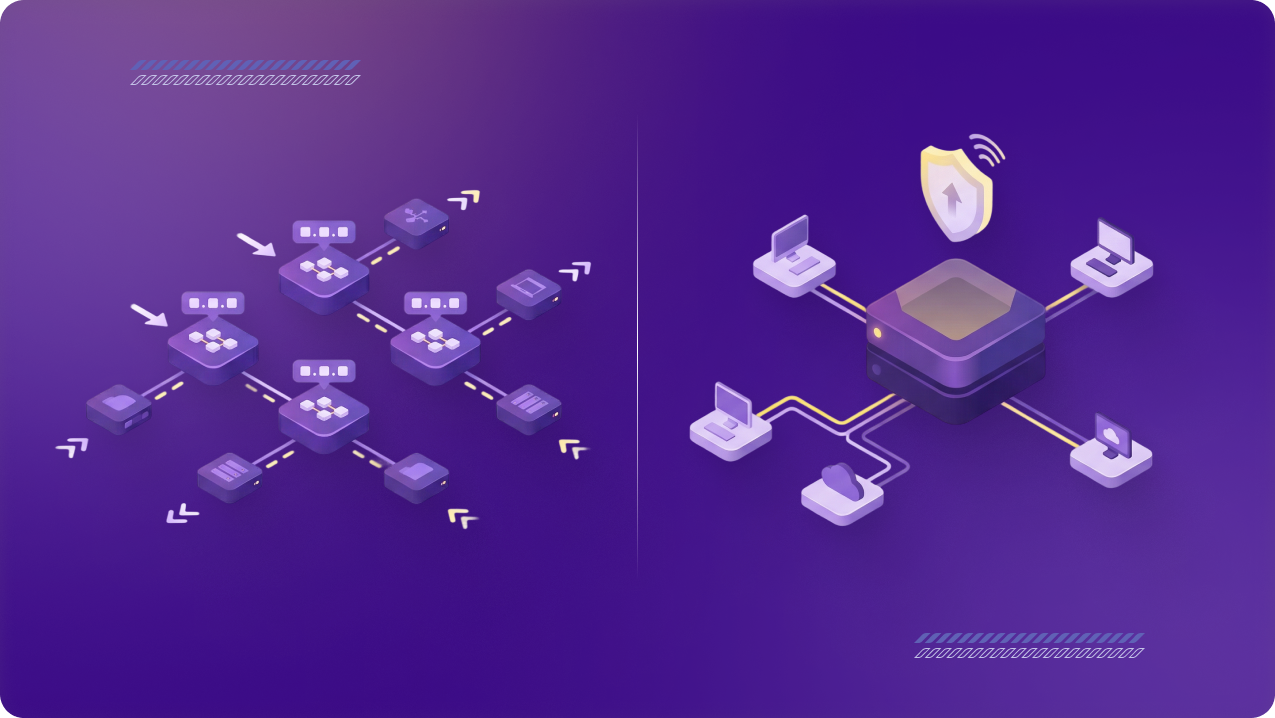
- Shared servers are part of the standard VPN network.
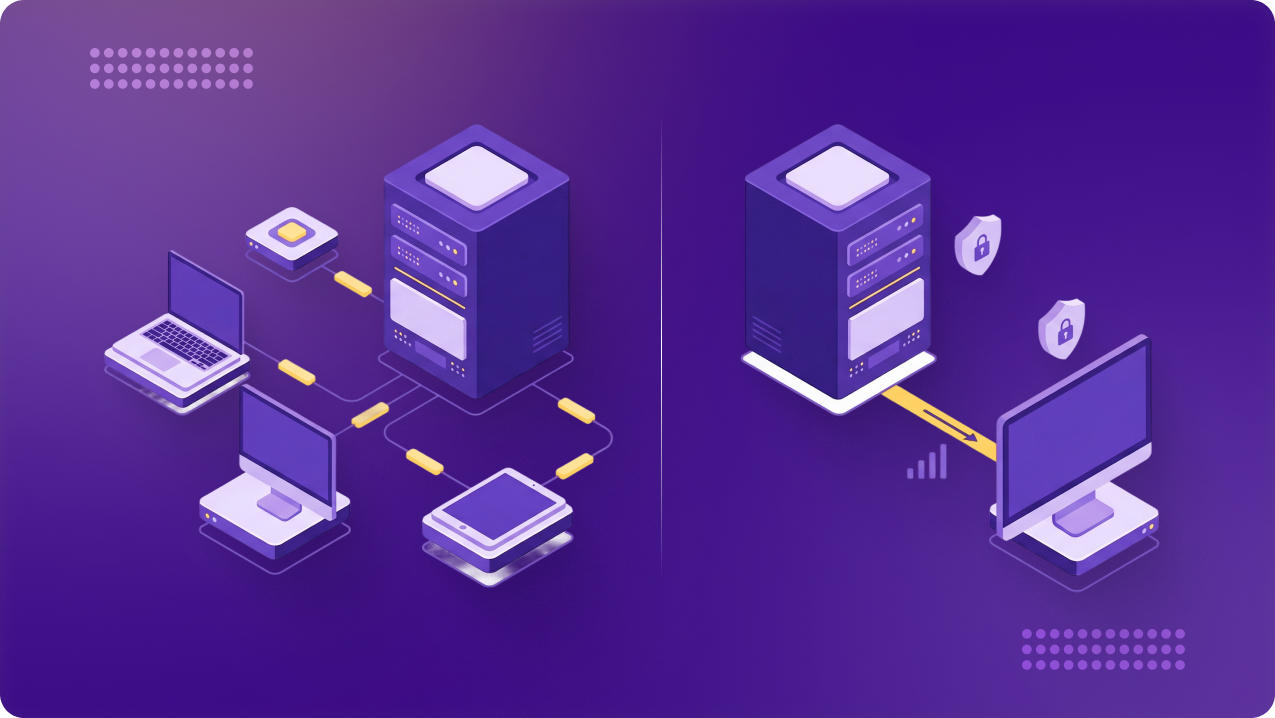
- Multiple businesses connect through the same server, each with their own VPN account.
- Pros: cost-effective, no management needed.
- Cons: less control, IP addresses rotate, and performance may vary during peak usage.
What Is a Dedicated Server?
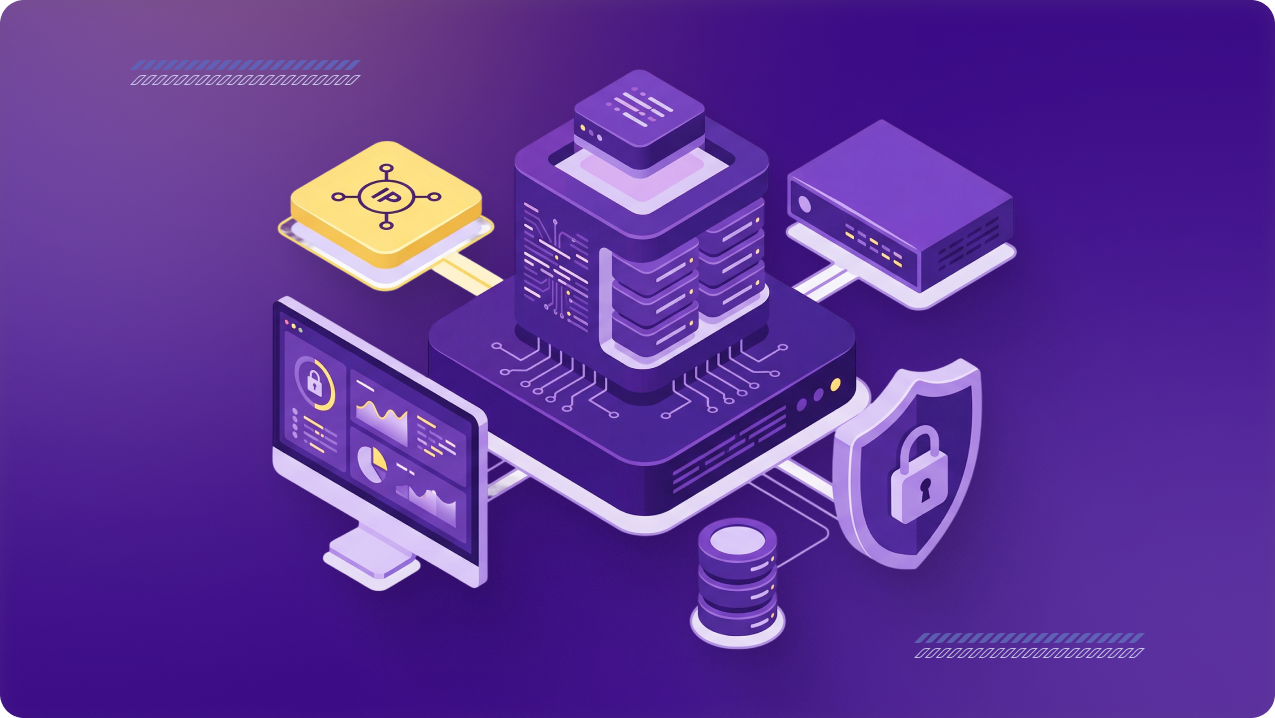
- A Dedicated Server is reserved exclusively for your team.
- All your users connect through one consistent IP.
- Pros: centralized access, stable performance, and enterprise-grade control.
- Cons: slightly higher cost, but offset by security and management benefits.
Key Benefits of Dedicated Servers for Growing Teams
1. One IP for All
- Perfect for whitelisting business apps.
- Admins only manage one address instead of multiple IPs from multiple users.
2. Performance at Scale
- Consistent speed and bandwidth even with large seat counts.
- No “noisy neighbors” from other businesses on the same server.
3. Compliance-Ready
- Easier audit logs and policy enforcement.
- Meets strict regulatory requirements in finance, healthcare, and SaaS.
4. Future-Proofing
- When teams expand (25, 50, 100+ users), a Dedicated Server removes the complexity of managing multiple IPs and scattered access.
When to Switch to a Dedicated Server
- You’ve already added seats once or twice.
- You’re using Dedicated IPs but still juggling multiple addresses.
- Your team relies on sensitive apps that require stable access + audit-ready logs.
The Natural Upgrade Path
- Start: Seats → Add teammates easily.
- Next: Dedicated IP → Simplify whitelisting for compliance.
- Then: Dedicated Server → One IP for all, centralized control at scale.
👉 If you’ve already scaled seats or added a Dedicated IP, your next step is likely a Dedicated Server.
Ready to see if a Dedicated Server fits your team? Explore Dedicated Servers for Teams and centralize access with one upgrade.