
Table of Contents
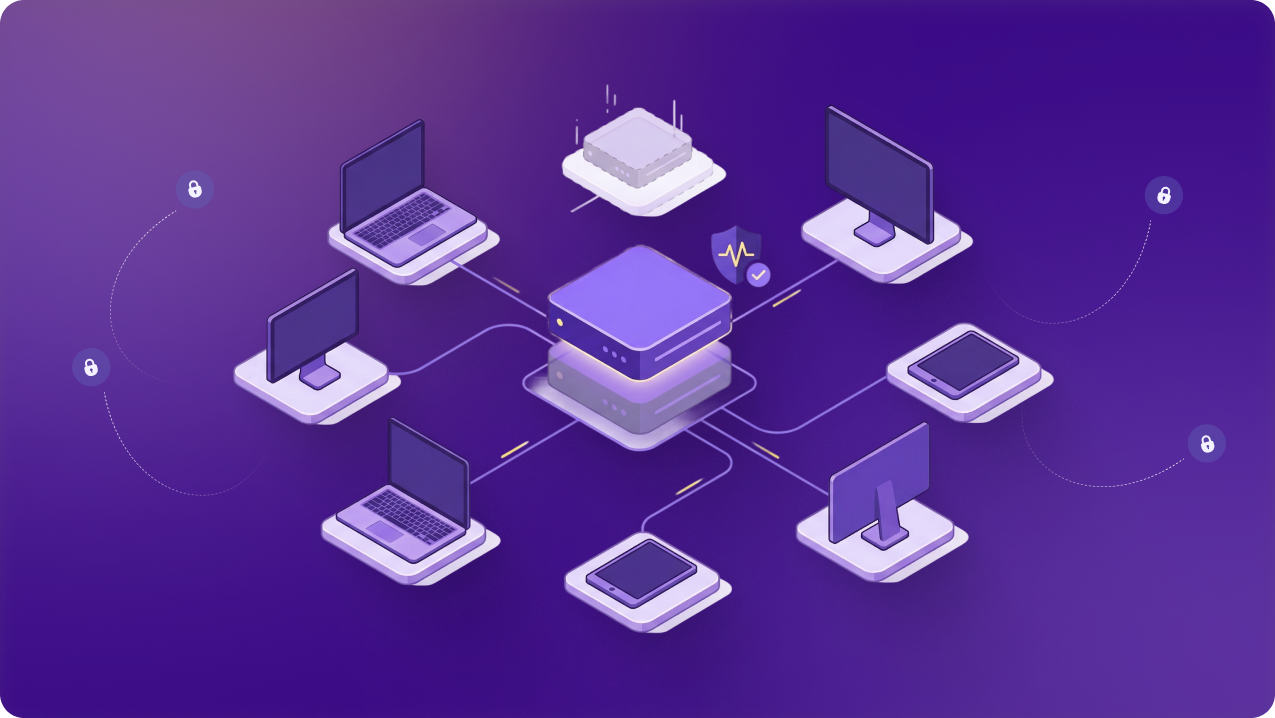
Securing cloud console access for distributed development teams becomes harder once engineers stop signing in from one office network. A developer may access AWS, Microsoft Azure, or Google Cloud from home one day and a coworking space the next.
That creates several ways for access to go wrong. Stolen credentials, an infected device, or permissions broader than the role requires could give someone enough access to alter production resources, expose data, or take a service offline.
Security controls cannot become another approval queue that delays deployments or incident response. In this guide, we explain how businesses can secure cloud console access for distributed development teams.
Why Distributed Teams Complicate Cloud Console Access
Several factors make cloud console access harder to manage for distributed teams:
Engineers Connect From Different Networks
Remote connections do not always originate from a predictable source IP. Home internet providers may rotate addresses, mobile connections change frequently, and travel introduces networks the company has never seen before. As a result, network-based access rules become harder to maintain and unfamiliar sign-ins harder to assess.
Devices Do Not Have the Same Level of Oversight
Employees may use company-managed laptops that follow defined security requirements. Contractors and external developers may connect from devices with different update policies, endpoint protection, or administrative controls. Confirming the user’s identity does not confirm that the device itself meets company requirements.
Roles and Responsibilities Change
Cloud permissions often remain in place after the original need has passed. A developer changes projects, a contractor finishes an assignment, or production access stays active after someone moves into another role. The longer those permissions remain unreviewed, the further they can drift from the person’s actual responsibilities.
Production Work Can Be Time-Sensitive
A failed release or service outage may require immediate action. When access depends on an unclear process or a single person approving every request, engineers can lose time before they begin fixing the problem. That delay can also create pressure to use shared credentials or permanent privileges that are harder to control and review.
How to Keep Cloud Console Access Secure
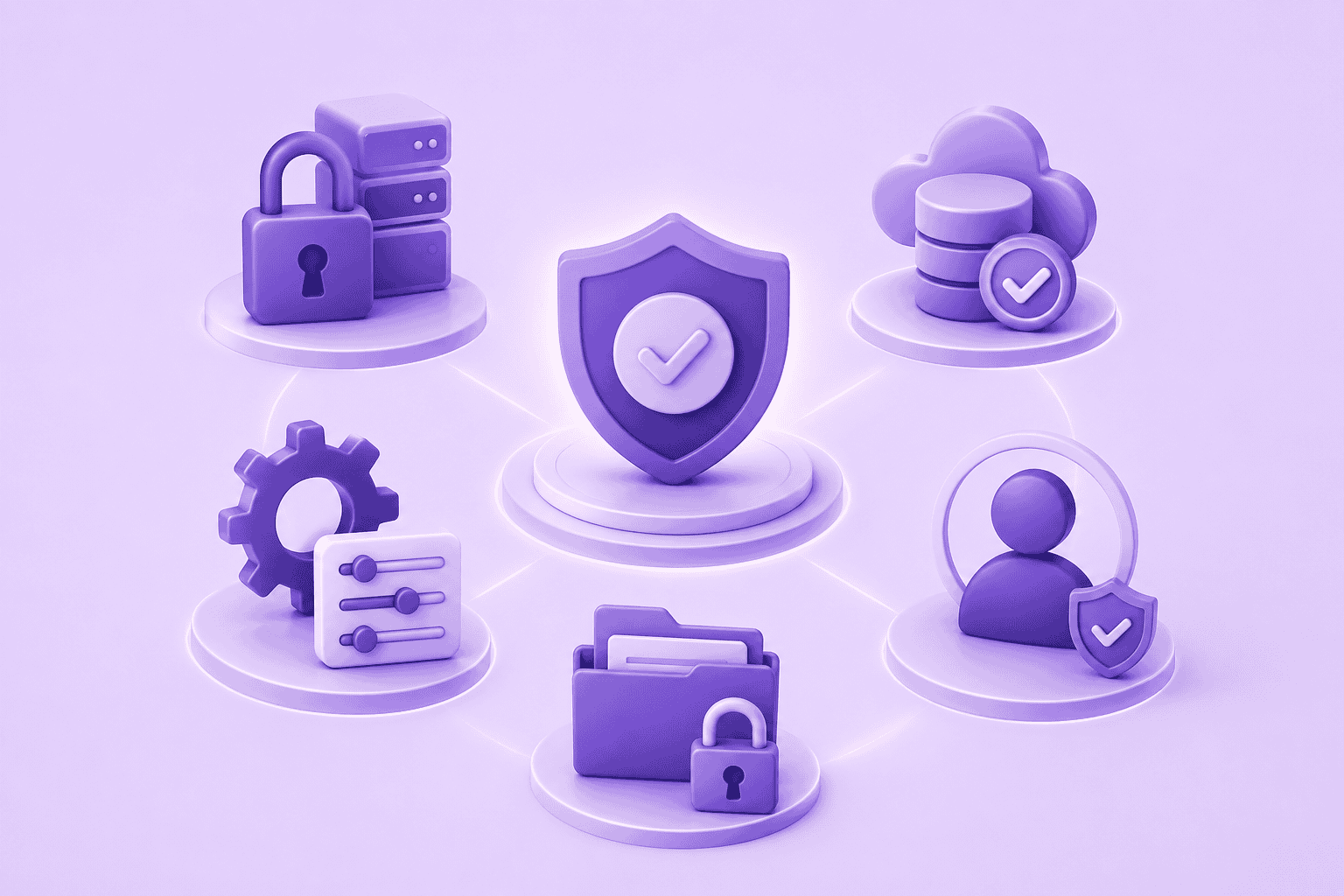
A successful sign-in is only the first step. Teams still need to check permissions, the device and network being used, and what happens after access is granted.
Verify Identities With SSO and MFA
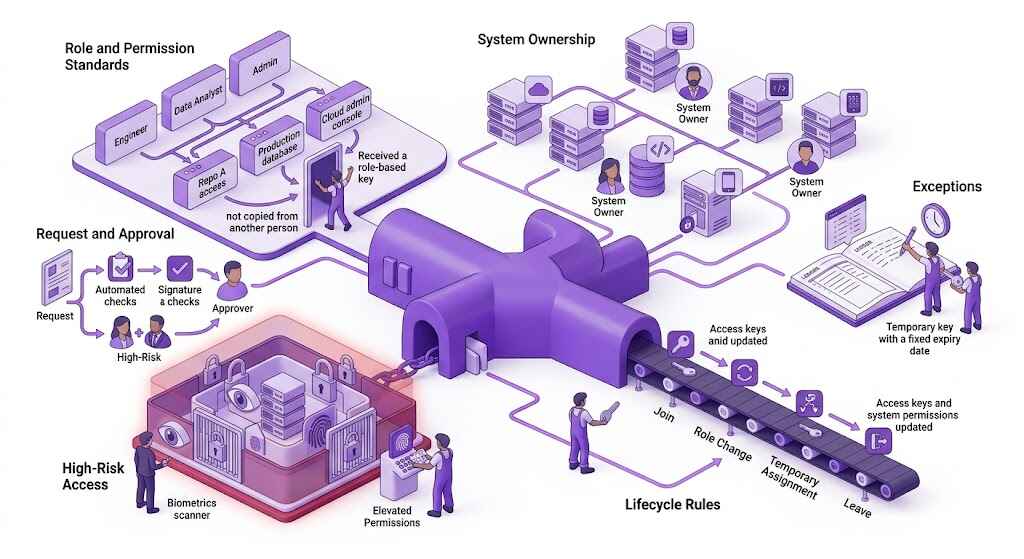
Cloud access should run through the company’s identity provider instead of separate long-term credentials for every platform. SSO centralizes sign-in, while mapped groups and cloud roles control which environments the user can reach.
MFA should apply to production and privileged access. With federated access configured, disabling someone in the identity provider should block new sign-ins. Existing sessions may still need to expire or be revoked, while separately assigned cloud permissions must be removed.
Limit Permissions Through Roles and Least Privilege
Developers should receive access based on their current work. Permanent administrator rights give an account more reach than routine development usually requires. Development roles can cover test resources without opening production. Production permissions should be narrower and reviewed when someone changes teams, projects, or responsibilities.
Use Temporary Access for Privileged Work
A developer handling an outage may need permissions that would be excessive during normal work. Those rights can be activated for a limited period of time and expire when the task ends. Some privileged-access systems can also require approval or a reason before activating the role. This prevents the temporary role from remaining active after the work is complete..
Check the Device Before Granting Access
A successful sign-in can still come from a laptop that is infected, out of date, or outside company management. Cloud administration policies may require current security updates, disk encryption, endpoint protection, or enrollment in the company’s device-management system. Where supported, access can be denied when the device fails those checks.
Restrict Access by Network or Source IP
Cloud platforms and identity providers can include the source network in an access policy. An approved company IP can be allowed while requests from other addresses are blocked or challenged.
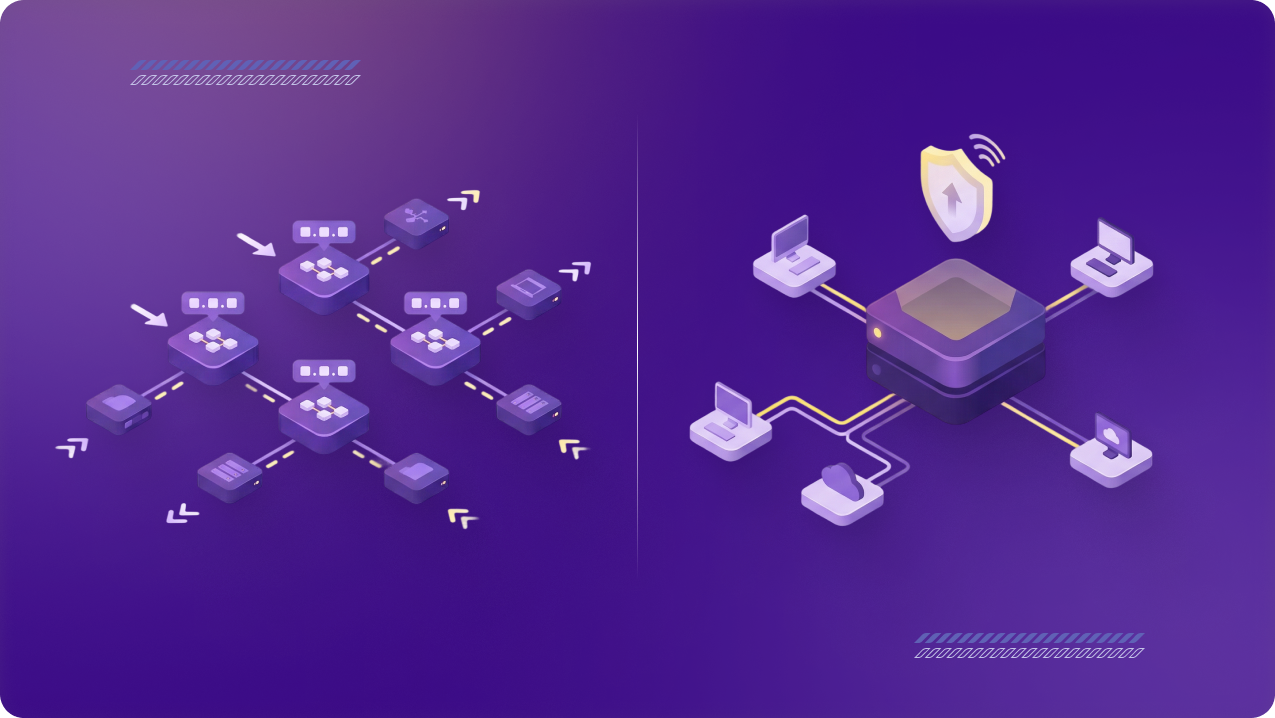
Changing home, mobile, and coworking IP addresses make these rules difficult to maintain for distributed teams. A business VPN like PureVPN for Teams can give developers a dedicated IP that the business can add to its cloud or identity access policies.
Log Activity and Review Access Regularly
Identity logs record sign-in attempts and authentication decisions. Cloud audit logs record activity inside the environment, while VPN or network session records may show how the user connected.
Logs support incident investigations and show how privileged access was used. Access reviews help identify roles and permissions that no longer match the person’s responsibilities. More detailed data-access logging may need to be enabled separately.
Related Read: Protect Cloud Data and Control Access: A Guide for IT and Software Teams
When Developers Should Use the Cloud Console
Direct console access still has a place, but it should not be the default route for every infrastructure change.
- Run routine changes through the normal deployment process. Where infrastructure is managed through code, changes can be reviewed, stored in version control, and applied consistently across environments.
- Use the console for troubleshooting or exceptional work. Developers may need direct access during an outage, an investigation, or a task the team has not yet automated.
- Update the stored configuration after a manual change. Changes made directly in the console can leave the live environment different from the configuration kept in code. The team should reconcile the two once the immediate work is complete.
Frequently Asked Questions
No. Access should depend on the developer’s role and the environments they work in. Many developers may only need access to development or testing, while production access can be limited to specific roles or tasks.
Production access should usually have narrower permissions and stricter conditions. Businesses may require MFA, an approved device or network, temporary elevation, and fuller logging before allowing changes to live systems.
While MFA strengthens the sign-in process, it does not control the permissions attached to the account or check whether the device and network meet company requirements. Those areas need separate controls.
Yes, where the cloud platform or identity provider supports source-IP conditions. PureVPN for Teams can give developers a dedicated IP that the business can add to its access policies.
Direct console access may be needed for troubleshooting, incident response, or work the team has not automated. Routine infrastructure changes should usually follow the normal review and deployment process so they remain recorded and consistent across environments.