
Table of Contents
Remote engineering teams need access to systems that cannot be treated like ordinary workplace apps. Production environments, internal databases, staging servers, cloud infrastructure, and admin tools often sit behind tighter access controls because the consequences of getting that access wrong are much higher.
The difficulty is keeping those controls effective when engineers are connecting from different locations, devices, and networks. Access still needs to reflect who the engineer is, which systems they need, and how sensitive those systems are, without forcing IT to handle every remote connection by hand.
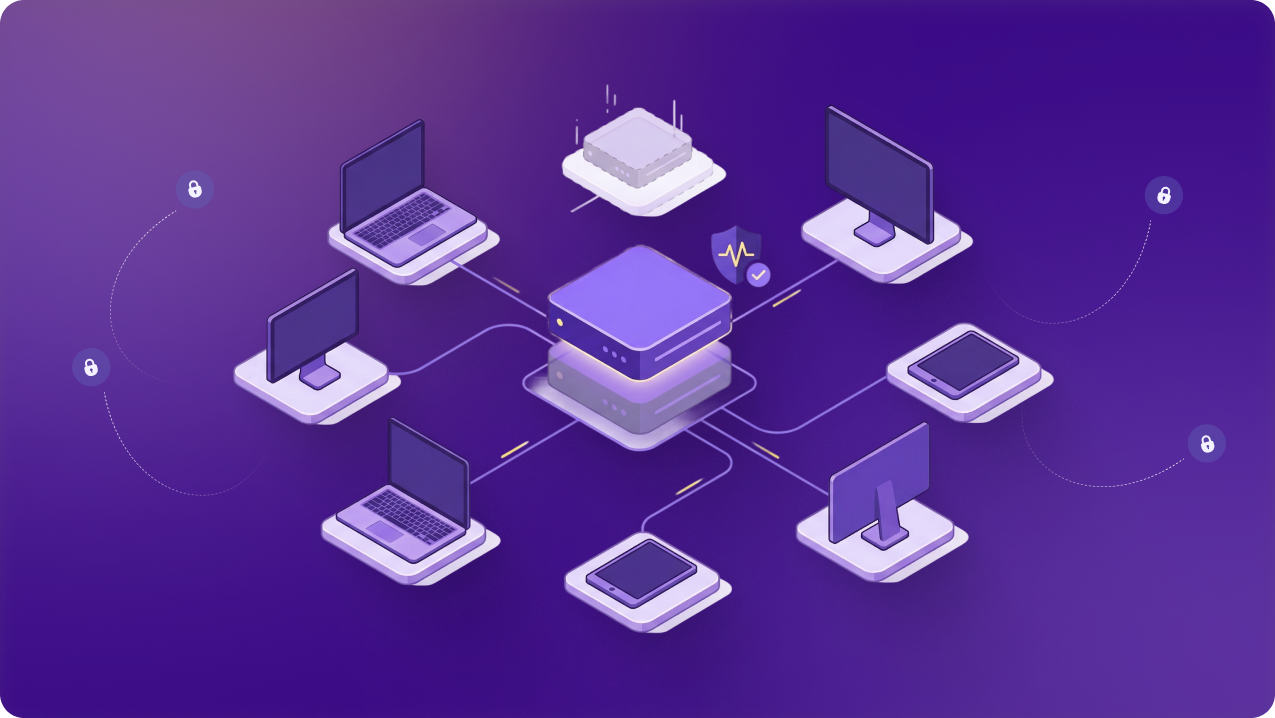
A VPN for remote engineering teams is one part of how access is managed and provides a controlled path to restricted systems without replacing the authentication and permissions already in place. In this guide, we’ll look at where it helps, what it cannot replace, and how remote engineering teams can choose the right one.
Why Remote Engineering Teams Need a VPN
There are a few scenarios in day-to-day engineering work where a VPN can be particularly useful:
Secure Connections Outside the Company Network
Home broadband, coworking spaces, client sites, hotels, and other external networks all sit outside IT’s control. A VPN encrypts traffic between the engineer’s device and the VPN endpoint, so the team does not have to rely on the security of every local network.
Engineers may also move between several networks during a typical workweek. The VPN keeps that part of the connection protected without requiring the team to treat each new network as a trusted one.
Keep Development and Testing Environments Private
Staging, QA, development, and preview environments often contain code, test data, or unfinished features that are not meant to be openly reachable. Remote teams still need to review builds, test changes, reproduce issues, and check releases from outside the office.
A VPN can provide an approved route to those environments without opening them more broadly. The environment can remain behind its existing network restrictions while engineers continue working remotely.
Work on Servers and Infrastructure Remotely
Engineers may need to use SSH, manage virtual machines, work with cloud instances, or administer Kubernetes environments while away from the office. Remote access to that infrastructure still needs to fit the controls already used to protect it.
The VPN provides the network path used to reach that infrastructure. SSH keys, IAM, server permissions, and other infrastructure controls continue to determine what the engineer can access and change.
Use Services That Require an Approved Source IP
Some engineering services are accessible remotely but only accept traffic from IP addresses the company has approved. Where supported, that might include repository services, CI/CD platforms, cloud administration tools, or other development systems with IP-based restrictions.
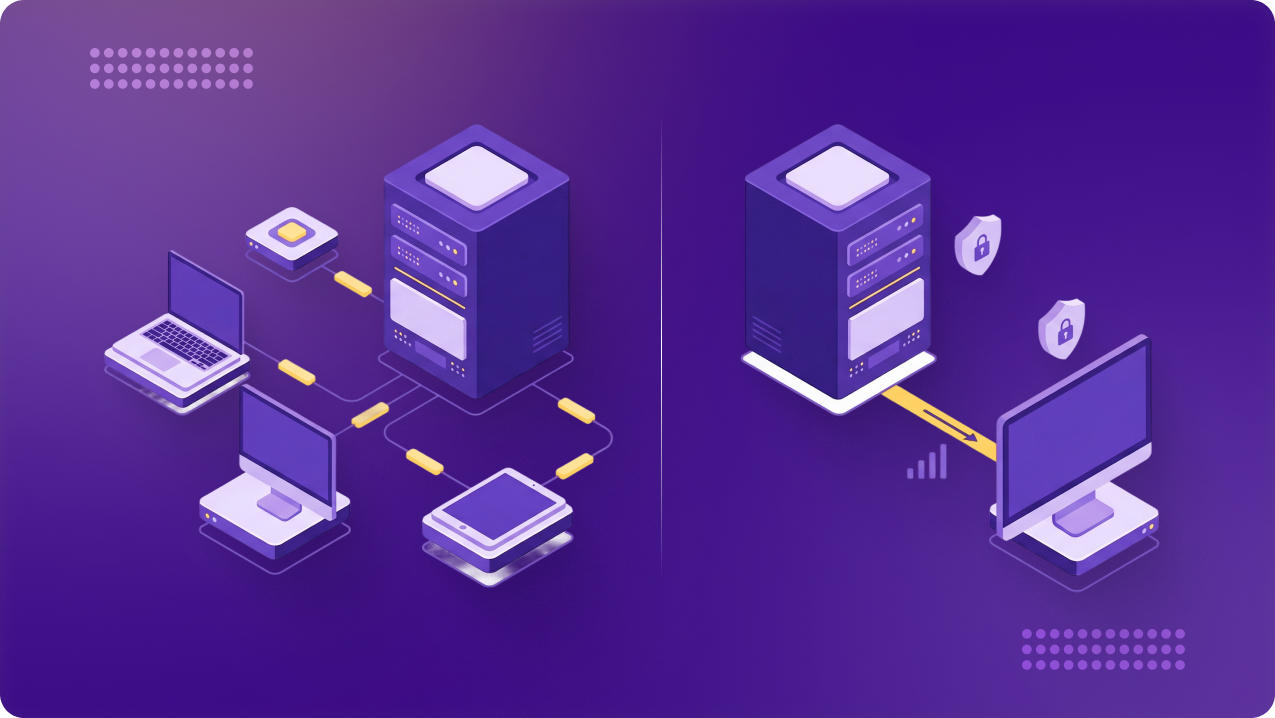
A fixed VPN IP gives the team one stable address to approve instead of relying on an engineer’s current home or travel IP. The service can keep its source-IP restriction while continuing to enforce its own login and permissions.
What a VPN Does Not Replace
A VPN covers the connection, but other controls still decide who gets access, what they can reach, and whether the device is secure. These include:
- Resource-level authentication and permissions: SSH keys, database credentials, application logins, cloud IAM, repository permissions, and server roles still control access to the system itself.
- Identity and authentication controls: Multi-factor authentication, single sign-on, identity providers, and account policies still handle user verification and identity management across the organization.
- Endpoint security: Operating-system updates, endpoint protection, device policies, and credential security still matter because an encrypted tunnel does not make a compromised device safe.
- Least-privilege access: Connecting to the VPN should not give every engineer the same access. Permissions still need to reflect the person’s role, project, and responsibilities.
How to Choose the Best VPN for Remote Engineering Teams
Once you know what the VPN needs to support, the next step is comparing your options against the points below:
Look for Dedicated or Static IP Options
A dedicated or static IP is useful when servers, databases, admin tools, or other resources only accept traffic from approved source addresses. It gives the team a predictable IP to add to firewall rules or allowlists instead of relying on changing home or travel IPs.
Not every engineer needs one. The requirement depends on whether the systems they use actually rely on source-IP restrictions and whether access needs to be tied to an individual or shared across a team.
Review How Team Access Is Managed
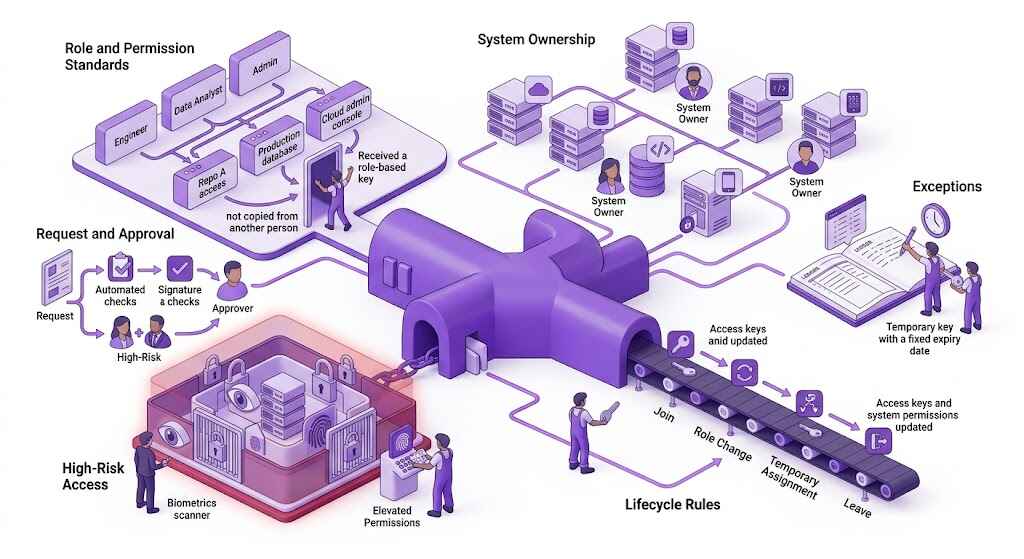
A business VPN should make it easy to add and remove users without relying on shared credentials or separate consumer accounts. Engineers, contractors, and temporary team members should be manageable from one place as roles and projects change.
Look at how quickly access can be provisioned, changed, or revoked. The more distributed the team becomes, the more important it is to avoid handling those changes account by account as people join, leave, or move roles.
Related Read: Vendor and Contractor Access Management in SaaS Organizations
Evaluate Identity and Access Controls
The VPN should work with the identity and access controls the organization already uses. Depending on the product, that may include MFA, SSO, automated provisioning, role-based access, device restrictions, or application-level controls.
Those controls matter because a contractor, developer, DevOps engineer, and production administrator may all need different levels of access. The VPN should support that separation rather than pushing everyone through the same access model.
Confirm Support for Your Engineering Environment
Check the operating systems and tools the engineering team actually uses before choosing a VPN. Linux support may matter just as much as Windows or macOS, especially for teams working with servers, cloud environments, SSH, and other infrastructure tools.
Protocol support also matters where certain networks, operating systems, or environments have specific requirements. Consumer device coverage is less useful if the VPN does not fit the systems engineers rely on every day.
Test Reliability With Real Engineering Workloads
A speed test alone does not show how the VPN will behave during normal engineering work. Test it with SSH sessions, repository access, database connections, cloud consoles, file transfers, remote development environments, and any other tools the team depends on.
Pay attention to latency, disconnects, routing problems, protocol behaviour, and performance to the regions where company infrastructure is hosted. A connection that looks fast on paper can still be disruptive if it drops during longer sessions or adds too much delay.
Check What Visibility Administrators Get
IT and engineering leads may need enough visibility to troubleshoot failed connections, review who is connecting, and see which users or devices are active. That becomes more useful as the team grows and remote access is spread across more people and locations.
Check what the VPN actually records and exposes to administrators. Connection or device visibility can help with access reviews and troubleshooting, but it should not be treated as a replacement for application, cloud, or infrastructure logs.
Why PureVPN for Teams Is a Strong Fit
PureVPN for Teams brings several of those requirements together in one place. The table below shows how its main capabilities apply to remote engineering work:
| Capability | What It Does | Why It Matters |
| Dedicated IPs and Team Server | Provides a fixed IP for one user or a team | Supports IP allowlisting for restricted resources |
| SSO, SCIM, MFA, and Role-Based Access | Connects VPN access with identity controls | Keeps access aligned with user roles |
| Device Access Policies | Applies checks to connecting devices | Helps restrict access from devices that do not meet policy |
| Windows, macOS, and Linux Support | Covers the main desktop platforms | Fits mixed engineering environments |
| Centralized Management and Visibility | Brings users, IPs, activity, and billing into one dashboard | Makes access easier to manage and review |
| Dedicated Onboarding and Support | Provides onboarding, account management, and priority support | Assists teams with rollout and ongoing administration |
[CTA – Get Started]
Frequently Asked Questions
It depends on how access is controlled. Individual dedicated IPs work better when access needs to be associated with a specific engineer, while a shared team IP can suit resources that several approved users need to reach through the same allowlisted address.
Yes. Routing traffic through a VPN can affect latency, throughput, and connection stability, particularly for long-running sessions or large transfers. Teams should test the VPN with the engineering workloads and infrastructure regions they actually use before rolling it out widely.
Not necessarily. It depends on which resources require VPN access and how the organization routes traffic. Some teams may only require the VPN for restricted systems, while others may route a broader set of work traffic through it.
Yes, where the repository or CI/CD service supports the required network access method. A fixed VPN IP can also be useful when a service restricts connections to approved source addresses, while repository credentials and pipeline permissions remain separate.
Access should reflect what each person needs for their role or project rather than employment status alone. A contractor working on one environment, for example, may only need access to that resource, while an employee’s responsibilities may require a different set of permissions.