
Table of Contents
When employees use different passwords across business apps, cloud tools, and internal systems, access becomes harder to manage and easier to exploit. IT teams have to deal with forgotten passwords, repeated login issues, risky password habits, and the constant pressure to protect company systems without making everyday work harder.
That is why SSO and MFA are often compared. Single Sign-On helps simplify access across multiple tools, while Multi-Factor Authentication adds another layer of identity verification before access is granted. In this guide, we’ll break down the difference between SSO vs MFA, where each one helps, and why most businesses need both for stronger access control.
SSO vs MFA: Quick Comparison
Here’s a side-by-side overview of how SSO and MFA compare from a business access-control perspective:
| Factor | SSO | MFA |
| Main role | Lets users access multiple approved apps with one login | Requires an extra verification step before access is granted |
| Primary goal | Simplify and centralize access management | Verify that the login attempt is legitimate |
| Risk addressed | Password fatigue, password sprawl, and scattered access control | Stolen, weak, or compromised passwords |
| User experience | Fewer separate logins across business tools | One added security check during login |
| IT/security value | Easier onboarding, offboarding, and access visibility | Stronger authentication policies for sensitive access |
What Is SSO?
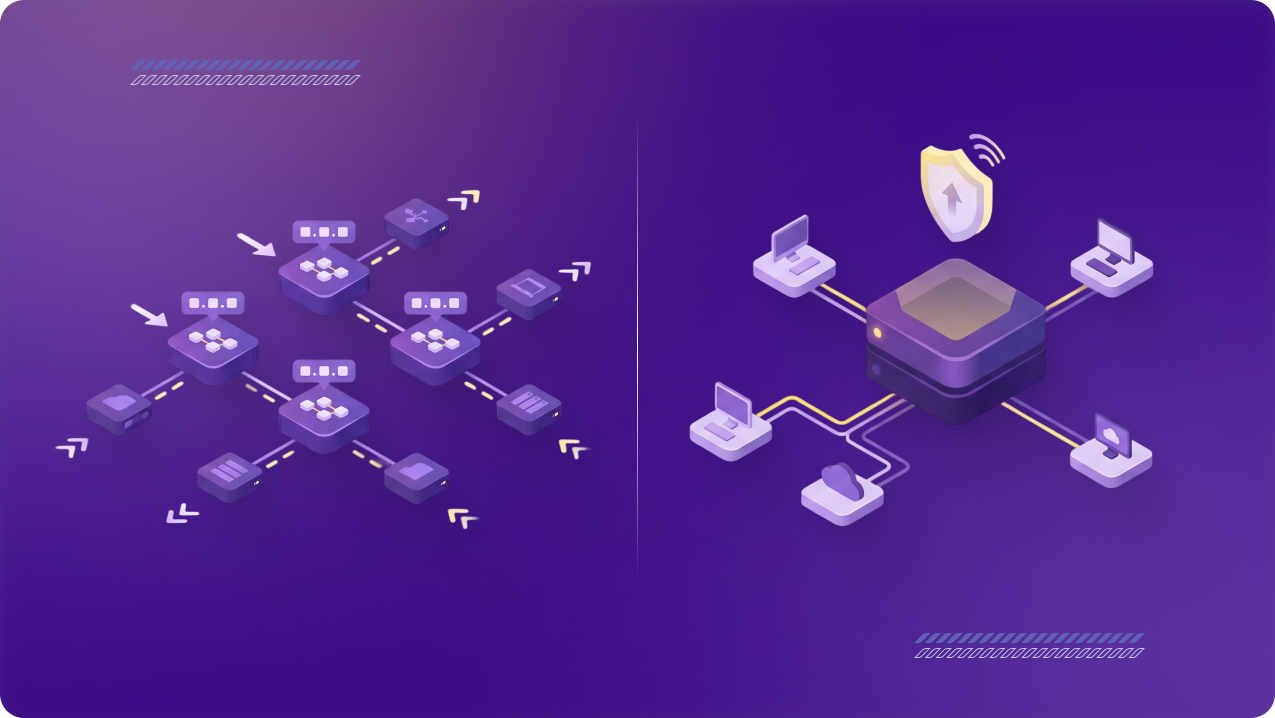
Single Sign-On (or SSO) is an access management method that lets employees use one trusted login to access multiple approved business tools. Rather than creating and remembering separate passwords for every app, users sign in through a central identity provider, such as Google Workspace, Microsoft Entra ID, or Okta.
For businesses, SSO brings scattered app access into one place. IT teams can connect company tools to a central identity system, assign access based on roles, and remove permissions more cleanly when someone leaves or changes roles. The more apps and internal systems a team uses, the more valuable that central control becomes.
Most businesses deploy SSO by connecting tools like Slack, Salesforce, Jira, or internal dashboards to one identity provider. Employees use the same approved login across those tools, while IT manages access rules from the central identity system.
What Is MFA?
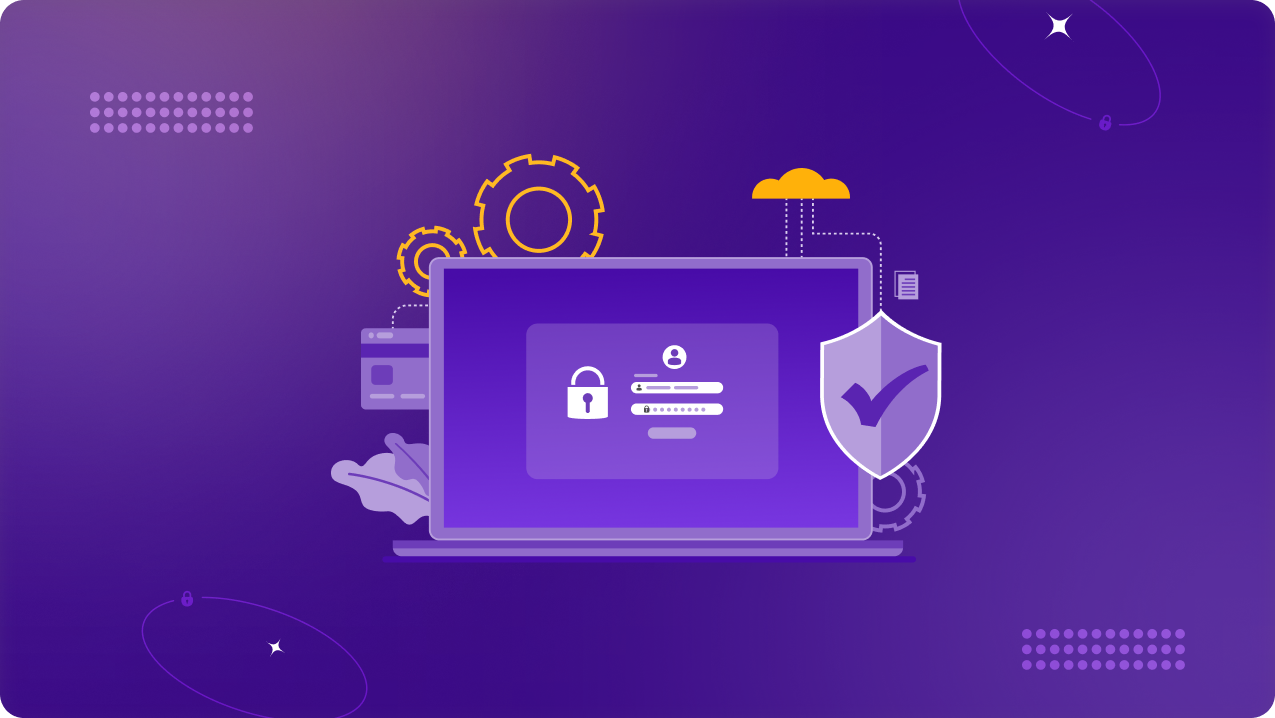
Multi-Factor Authentication (or MFA) is a security method that asks users to verify their identity with more than just a password. After entering their login details, users may need to approve a push notification, enter a code from an authenticator app, use a hardware security key, confirm a biometric check, or receive a one-time SMS code.
MFA reduces the risk of password-only access because a stolen or weak password is not enough on its own. For businesses, that extra check is useful when employees access sensitive systems, admin accounts, cloud tools, or remote work platforms. It gives IT teams a stronger way to verify who is trying to log in before access is granted.
Most businesses enforce MFA through an identity provider, SSO platform, or email system. IT teams can require it for all users, apply it only to sensitive tools, or trigger it for higher-risk situations such as new devices, unfamiliar locations, or admin access.
SSO vs MFA: The Main Differences
SSO controls how users access multiple systems, while MFA verifies whether the person trying to access them is legitimate. SSO is mainly about simplifying and centralizing access. MFA is mainly about adding another layer of identity verification before access is granted.
SSO helps businesses reduce password sprawl by letting employees sign in once through a trusted identity provider instead of managing separate logins for every app. MFA strengthens that login process by making sure a password alone is not enough to get into company systems.

The user experience is different, too. SSO makes access smoother because employees do not have to keep signing into each tool separately. MFA may add one extra step, but that step helps protect sensitive systems, admin accounts, and remote access points from unauthorized logins.
For IT and security teams, both solve different problems. SSO gives them a more central way to manage access across business tools. MFA gives them a stronger way to verify users before they can reach important systems. That is why they should not be seen as competing options.
Why SSO or MFA Alone Is Not Enough
SSO and MFA both strengthen business access control, but they solve different problems. SSO brings access into one place, while MFA adds another layer of identity verification. Used alone, each one still leaves gaps that attackers can exploit or poor access practices can make worse.
Why SSO Alone Is Not Enough
SSO makes access easier to manage, but it does not remove the need for stronger login verification. If an employee’s main identity account is compromised and MFA is not enabled, attackers may be able to use that single login to reach multiple connected apps.
That does not make SSO risky by itself. The problem is relying on SSO as the only layer of protection. A centralized login system still needs safeguards that confirm the person signing in is actually the right user.
Common Challenges When Using SSO and MFA
Here are the common challenges businesses need to watch for when implementing SSO and MFA:
- Poor rollout planning: Moving employees to SSO or MFA without clear instructions can lead to login issues, support tickets, and access delays.
- Overly broad access permissions: SSO centralizes access, but it does not automatically make permissions safe. Teams still need role-based rules so employees only reach the tools they actually need.
- MFA fatigue: Repeated prompts can frustrate users and lead to careless approvals. Businesses should use clear MFA policies and stronger methods for sensitive access.
- Incomplete coverage: Older tools, admin panels, or third-party apps may sit outside SSO or MFA policies, leaving gaps in the wider access environment.
- Weak access reviews: SSO and MFA work better when permissions are reviewed regularly, especially when employees change roles or contractors leave.
- Remote access gaps: SSO and MFA help verify identity, but businesses still need to consider how employees connect to company systems from different networks and locations.
PureVPN for Teams supports encrypted remote connections, MFA and SSO, and dedicated IP options for allowlisting, helping businesses add more control around how employees connect to company systems.
Why MFA Alone Is Not Enough
MFA makes stolen or weak passwords harder to abuse, but it does not automatically fix scattered access. A business may still have separate accounts across different apps, inconsistent login policies, and no clean way to manage permissions from one place.
As teams continue to grow, scattered access becomes more difficult to control. IT teams may struggle to track who has access, remove permissions quickly, or apply the same security rules across every system.
Reasons to Use SSO and MFA Together
SSO and MFA work best when they are used as part of the same access-control strategy. They help businesses in a few ways:
- Fewer password-related risks: SSO reduces the number of passwords employees need to manage. MFA makes a stolen or weak password far less useful to attackers.
- Less login friction: Employees can move between approved business tools without signing in separately each time. MFA adds an extra check without making passwords the only line of defense.
- Stronger protection against unauthorized access: SSO helps control which apps employees can reach. MFA helps confirm that the person trying to log in is actually the right user.
- Cleaner onboarding and offboarding: IT teams can assign access through a central identity system and remove it more efficiently when someone joins, leaves, or changes roles.
- Better control for IT teams: SSO improves visibility across connected apps. MFA helps enforce stronger authentication policies for sensitive systems and high-risk access.
- Stronger security for remote and hybrid teams: When employees work from different locations and devices, using SSO and MFA together helps businesses keep access consistent, controlled, and harder to abuse.
How PureVPN for Teams Can Help
SSO and MFA help businesses control who can log in and confirm that the right person is requesting access. PureVPN for Teams can support the wider access-control strategy by helping businesses secure how employees connect to approved company resources.
- Manage team access centrally: Admins can manage users and access settings from one place instead of handling remote access manually across different employees.
- Support MFA and SSO for access control: Teams can align VPN access with stronger identity checks and existing login workflows.
- Secure remote connections: Employees can connect to internal systems, cloud tools, and business apps through an encrypted VPN connection when working remotely or across different locations.
- Use dedicated IPs for allowlisting: Dedicated IP options can help businesses restrict access to approved IP addresses, reducing the risk of sensitive tools being reached from unknown networks.
PureVPN for Teams adds a secure connectivity layer around SSO and MFA, helping businesses control not only who can access company systems, but also how that access happens.
Frequently Asked Questions
No. SSO and MFA are not the same. SSO lets users access multiple approved apps through one trusted login, while MFA adds another verification step to confirm the person signing in is legitimate.
The main difference is that SSO simplifies access, while MFA strengthens login verification. SSO helps businesses manage access across different tools from one place. MFA helps protect accounts by making sure a password alone is not enough to get in.
Neither is better in every situation because they solve different problems. SSO is better for centralizing access and reducing password fatigue, while MFA is better for strengthening login security. For businesses, the stronger approach is to use both together.
Not exactly. SSO can improve security by reducing password sprawl and giving IT teams more central control, but MFA directly strengthens authentication by adding another proof of identity. SSO is strongest when MFA is enabled with it.
Yes. Businesses can use SSO and MFA together, and in many cases, they should. SSO gives employees one trusted way to access approved tools, while MFA adds an extra check before access is granted. Together, they make access easier to manage and harder to abuse.