
Table of Contents
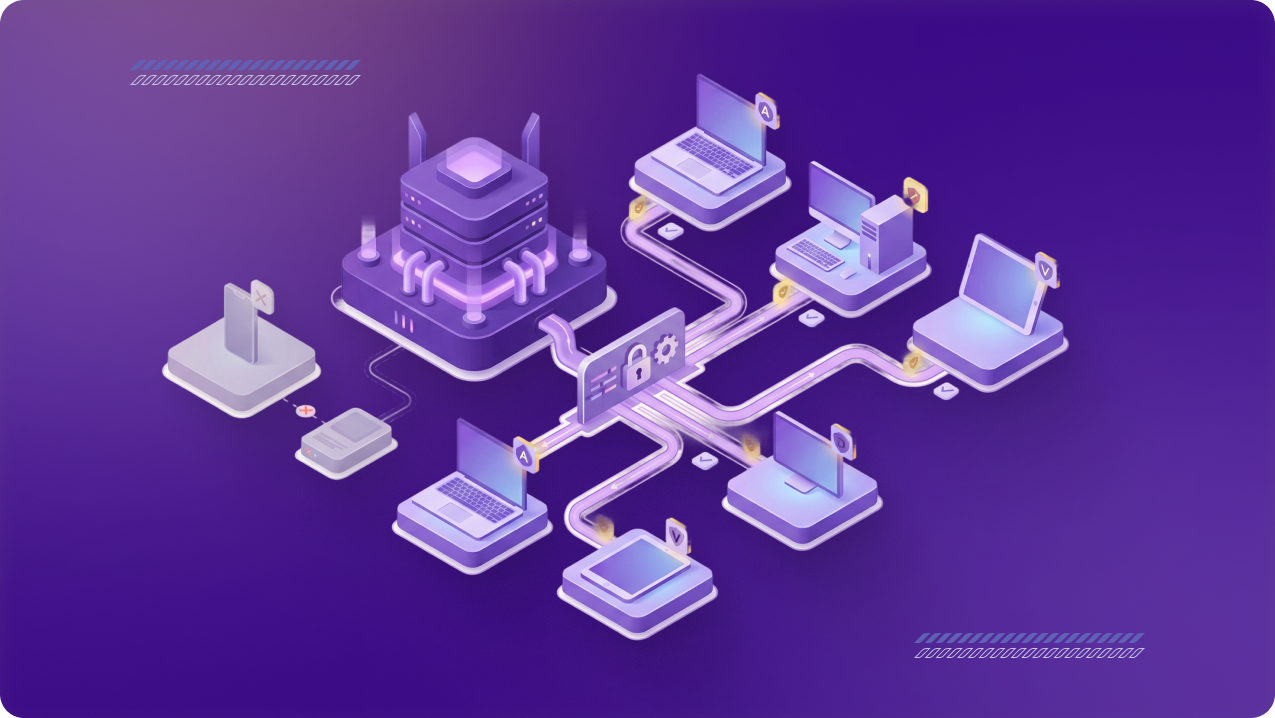
Adding seats is a good sign — your team is growing, and more people need secure access. But expansion can create hidden cracks: employees left unprotected, inconsistent access rules, or IT chasing tickets. The key is to scale your VPN seats without creating gaps that slow down your business.
The Common Pitfalls in Seat Expansion
- Delayed onboarding → New hires waiting days for VPN access.
- Partial coverage → Some contractors or partners left outside the secure network.
- Policy drift → Different teams getting different rules, leading to confusion.
- Reactive growth → Seats added only when someone complains.
How to Add Seats Without Weak Links
1. Automate Onboarding
Integrate VPN with HR or identity systems so new employees get a seat on day one.
2. Monitor Seat-to-Headcount Ratio
If you have 100 employees but only 80 seats, you’re leaving 20% of your team unprotected. Expand before the gap grows.
3. Standardize Group Policies
Create access templates for Finance, Dev, and Contractors so every new seat inherits the right rules instantly.
4. Reclaim Inactive Seats
Review usage monthly and reassign inactive licenses — keeping coverage consistent without waste.
Why Bigger Teams Move Beyond Seats
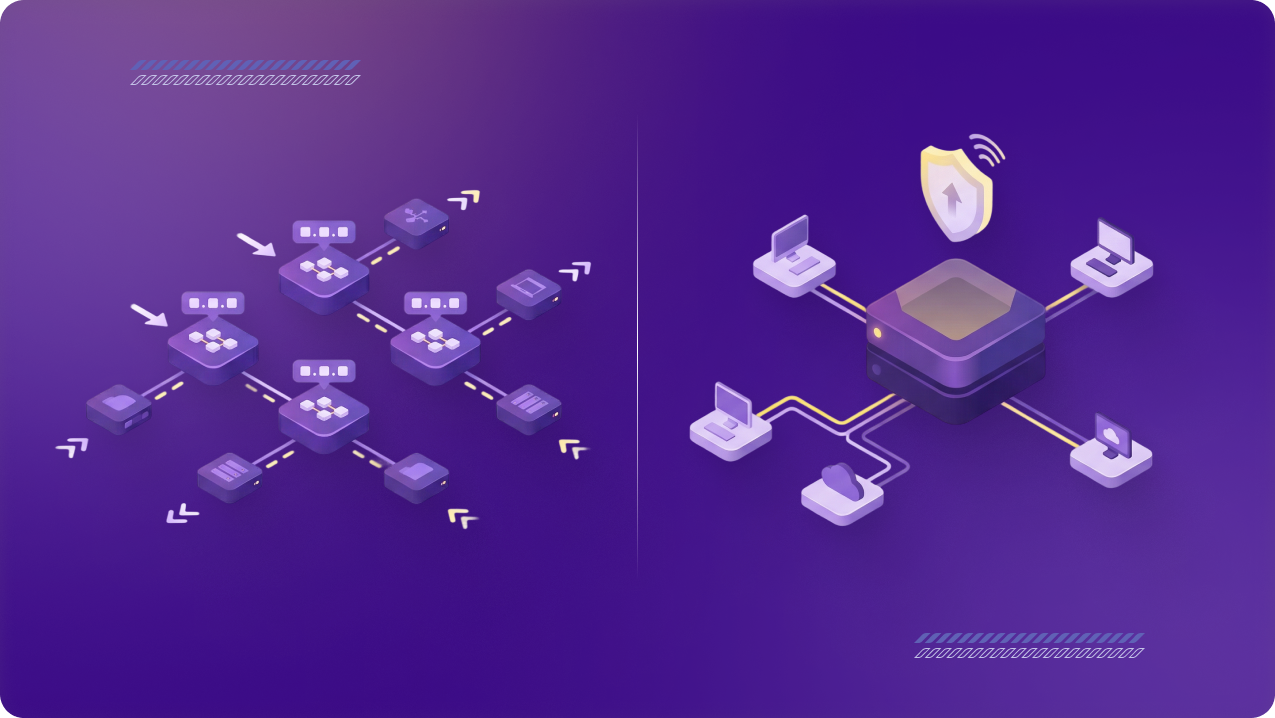
As teams expand further, adding seats alone isn’t enough. Admin complexity grows, and performance on shared infrastructure starts to suffer. That’s when many organizations step up to a Dedicated Server:
- One IP for all users → Simple, centralized access.
- Reserved performance → No competing traffic.
- Future-proof scaling → Smooth growth from 50 to 500 seats.
Takeaway
Seat expansion is the first step in secure growth. But true stability comes when you pair more seats with the right infrastructure. A Dedicated Server ensures that as your business grows, performance and security scale right alongside.
Growing your team? Learn more about Dedicated Servers and secure every seat without compromise.